
52 quality-of-life improvements to Matter
We’ve spent this month going over Matter for iPhone with a fine-tooth comb. Here’s everything that got better, in no particular order.
Articles open up to 0.3 seconds faster.
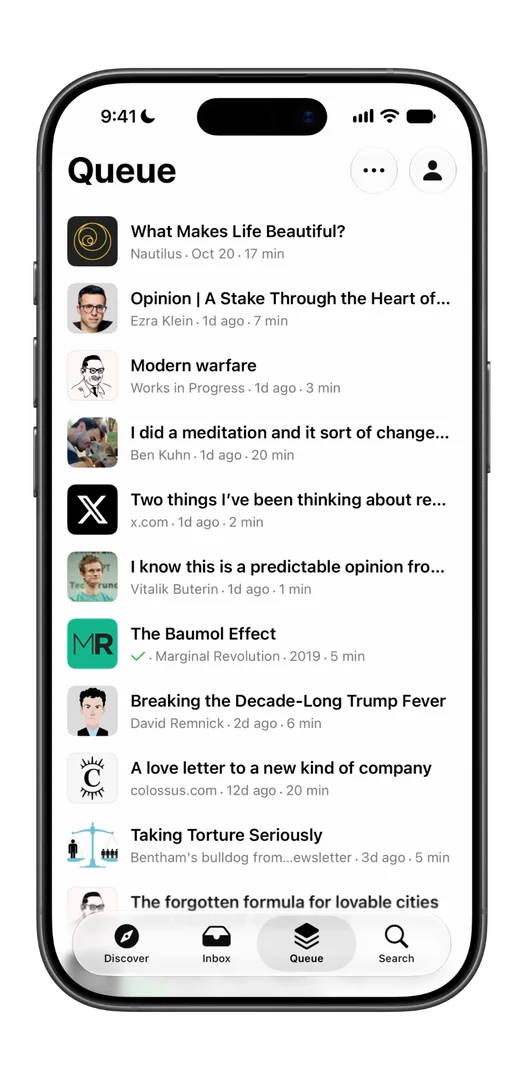
New saves roll into your Queue, rather than just appearing.
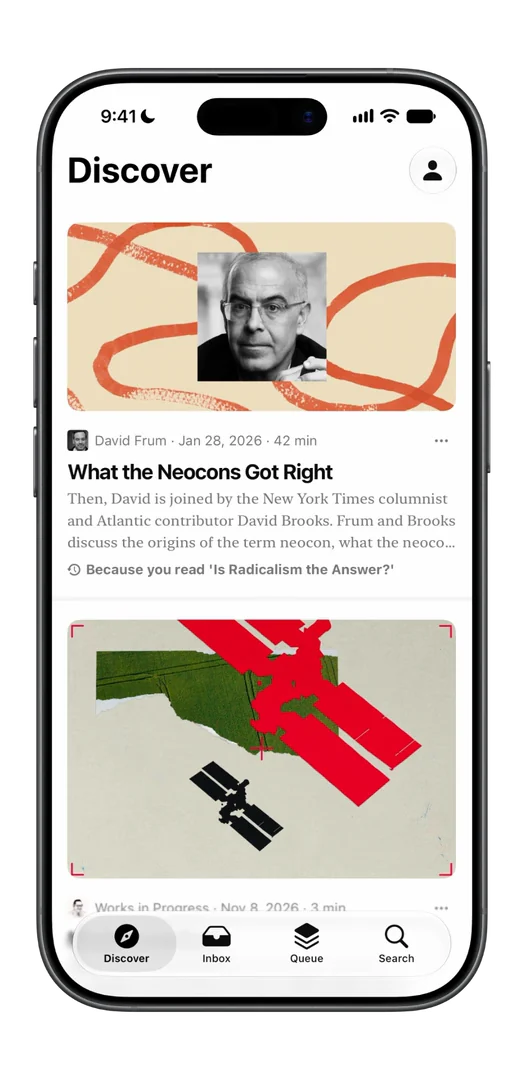
Valkyrie is the new default reading font.
Switching to the Queue tab is now instant. Previously it could lag up to half a second.
Search works offline now, across every article saved on your phone.
If Gmail disconnects, the Inbox presents a reconnect card.
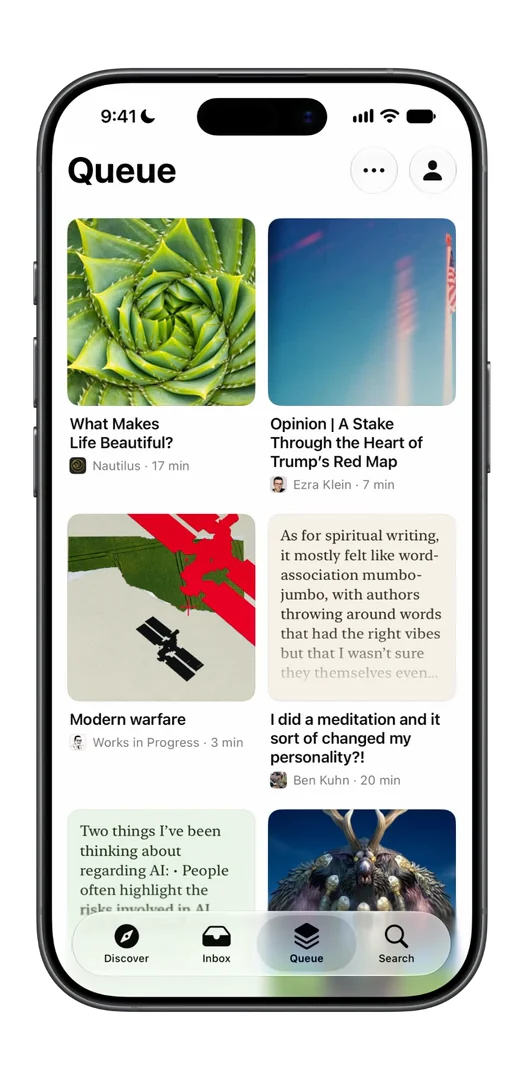
Added a new display style – cards!
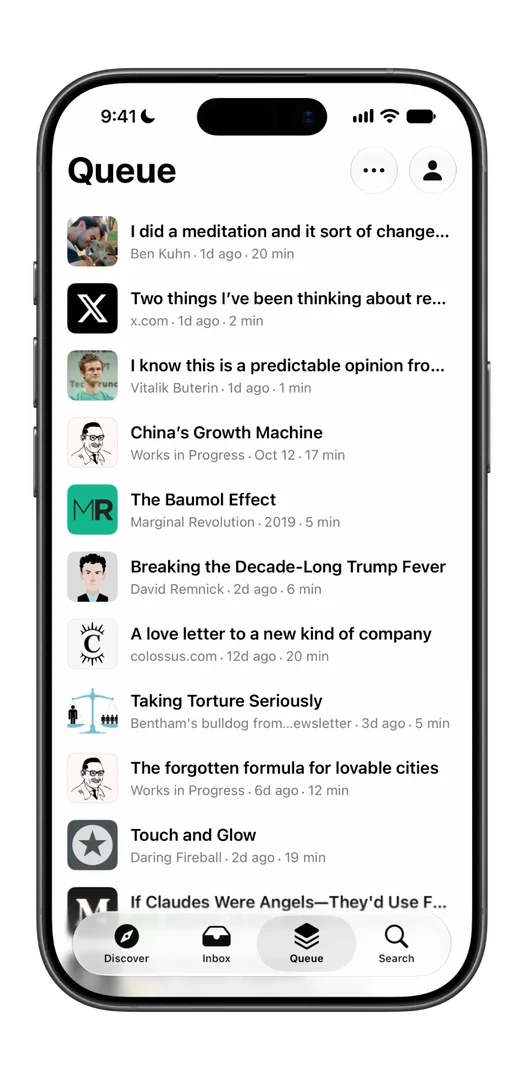
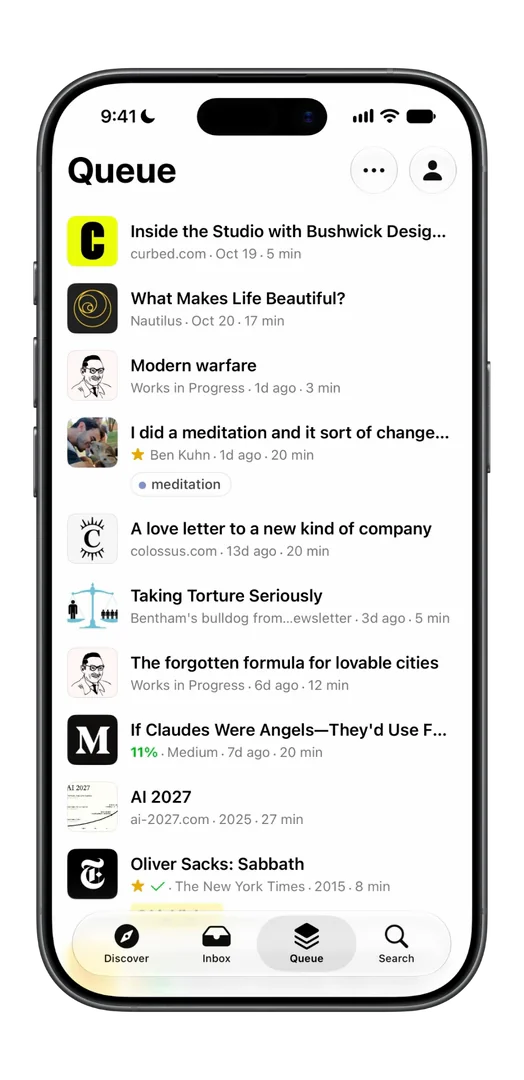
You can now customize your display style for each list. Choose between Compact, Preview, Magazine or Cards.
The app launches 0.2 seconds faster.
Fixed Send to Top and drag reorders sometimes snapping back.
You can now swipe sideways to move to the next or previous article in a list.
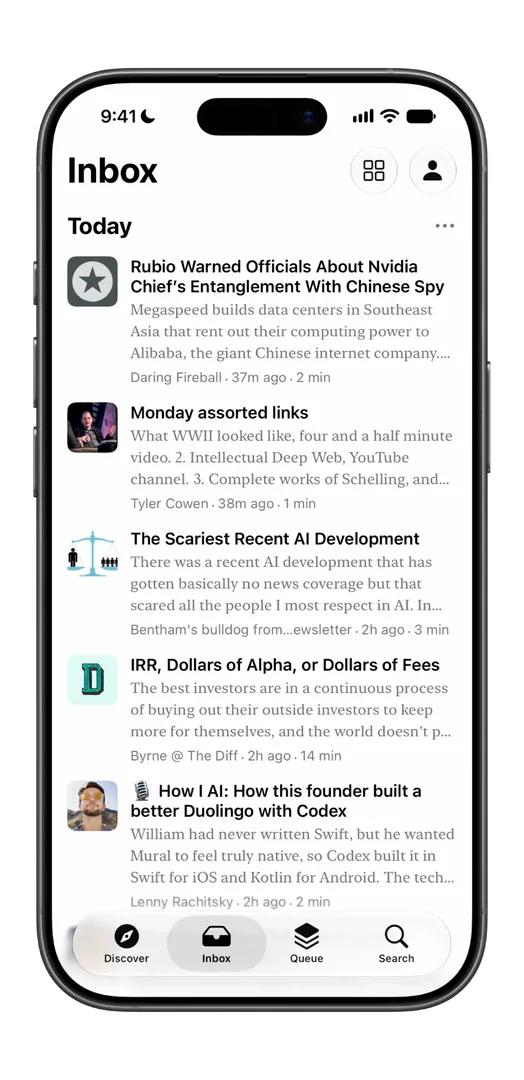
Discover feed fades in smoothly when it refreshes. Previously rows slid around and overlapped.
Fixed a search spinner that could spin forever.
Redesigned the Notebook sheet.
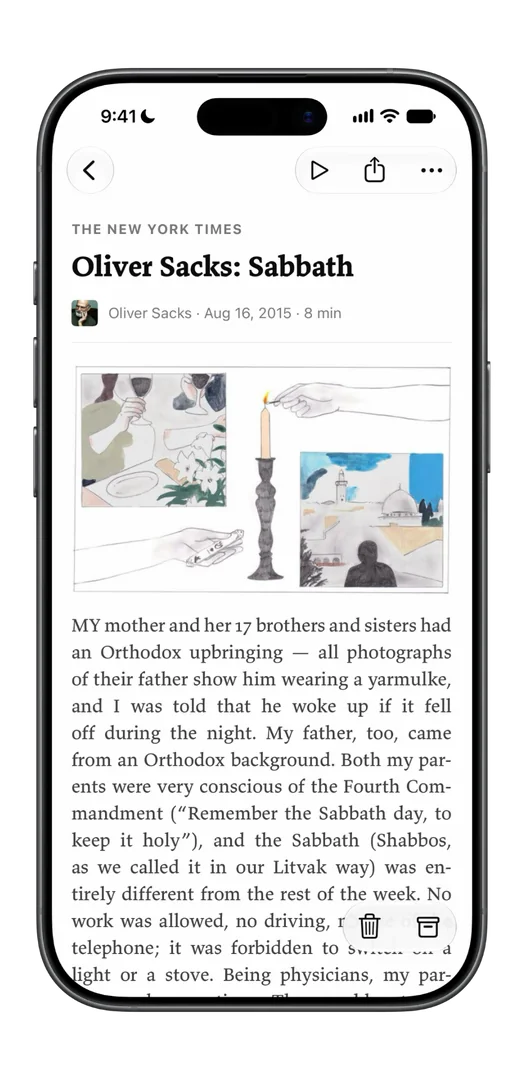
Stripped more boilerplate from newsletters.
In Cards, articles without an image get a tile with excerpt text.
Swipe interaction rebuilt for easier long swipe and smoother exit animation.
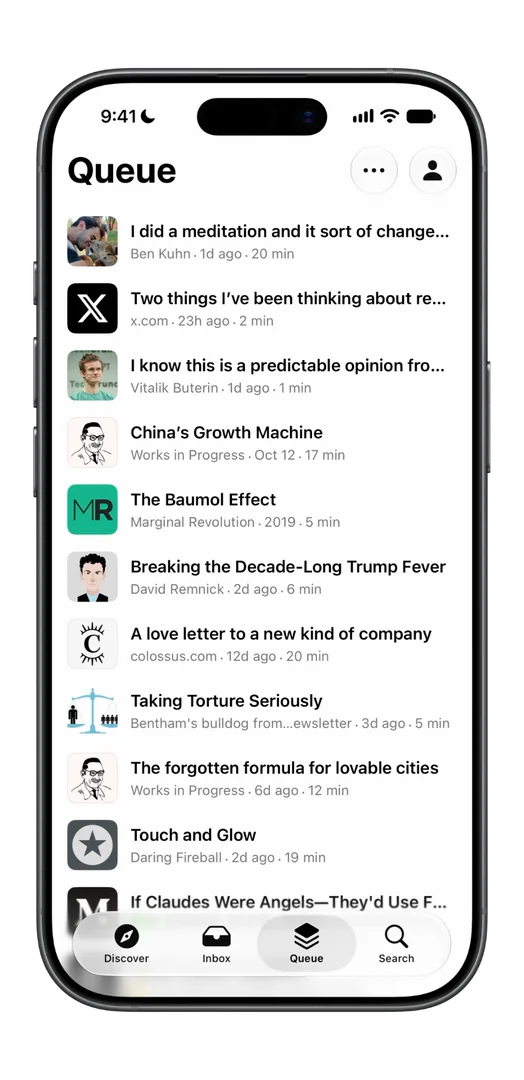
New saves show up in your Queue faster. Previously they could take 10–15 seconds.
Lists fade softly under the tab bar with a subtle blur.
Fixed brightness in the appearance sheet always starting at 50%.
Search folders like Favorites, Archive and your tags open instantly. Some used to take over a second.
Restyled appearance sheet. Theme cards preview each theme’s colors.
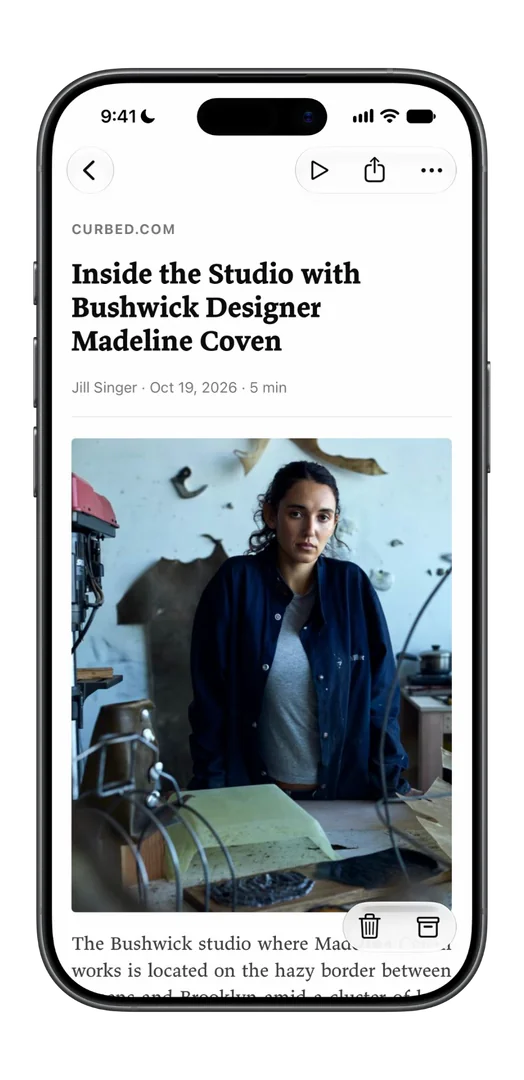
Connecting Gmail asks for just one permission.
Discover no longer checks for updates in the background, improving battery life.
Images fade in instead of popping in.
Restyled the link peek to make it smoother and more native.
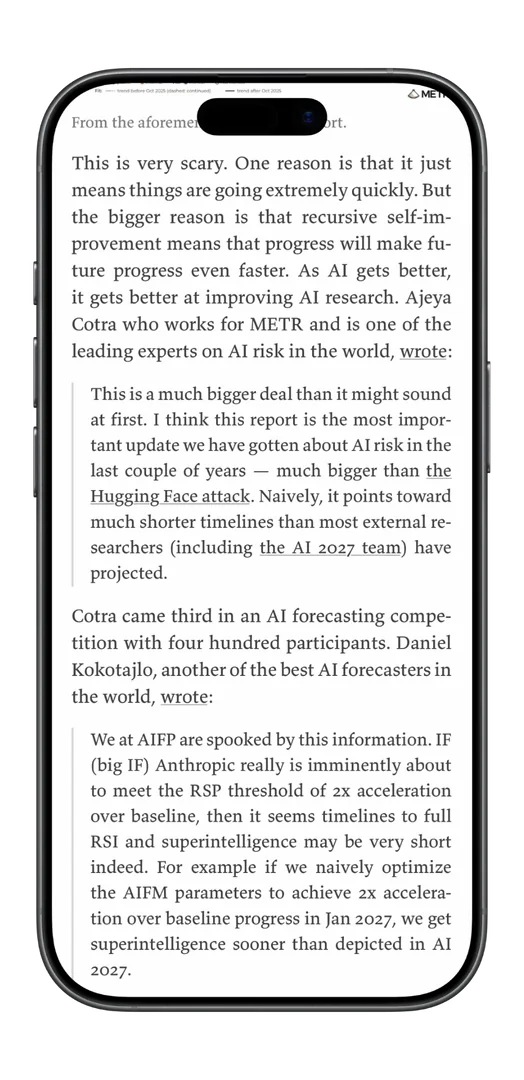
The search bar stays fixed under the title, and tapping the Search tab again focuses it.
You can now pull to shuffle Discover. Each pull brings new picks to the top until you’ve seen them all.
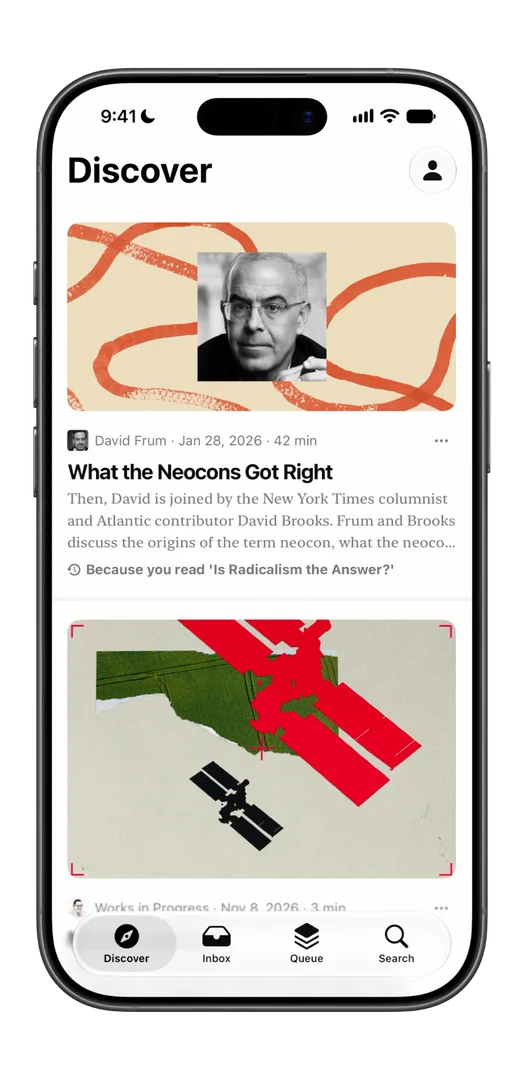
Swiping back to Discover no longer stutters, and articles show their text sooner.
Fixed the width control in the appearance sheet.
Redesigned the reading card on your profile as a weekly bar chart. Swipe to look back at past weeks.
Your reading minutes increment with a roll animation rather than just change.
Swiping to save no longer hitches.
Fixed an issue where Gmail syncs could stall partway through.
Small images and icons no longer blow up blurry.
Added pull to refresh micro-interaction.
Tuned excerpt spacing for greater consistency across lists.
Clearer offline messaging for search.
The Inbox keeps up when you scroll fast.
At the bottom of an article, pull up to trigger ‘More like this’.
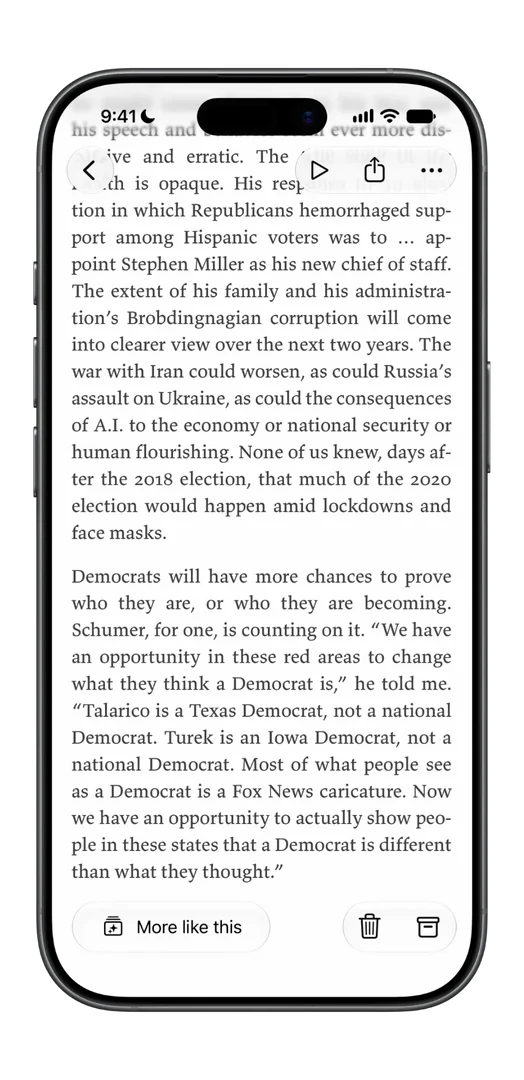
Redesigned ‘More like this’ as a full sheet.
Sorting Cards crossfades smoothly.
Opening an article makes fewer network requests.
Redesigned the tag sheet.
Text size shows the actual point size.
Fixed the More like this button disappearing after you go back to an article.
Smoother toast animations.
Highlights sync to Notion reliably again.
Restyled the favorite, highlight and note icons on rows.
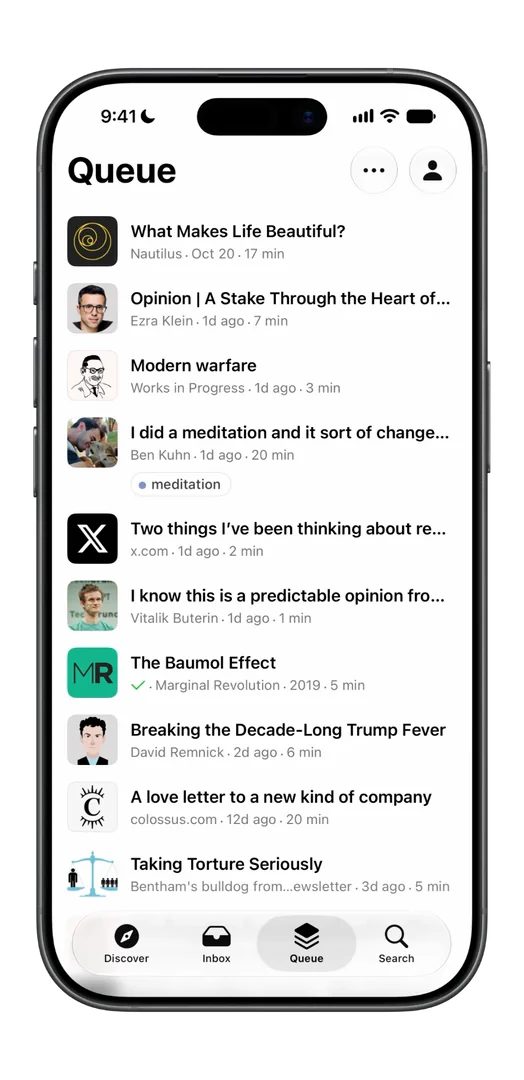
No more of a site’s logo or banner repeated as the cover on all of its posts.
Fixed a long press on an article accidentally changing your start tab.
And new loading spinners throughout the app.
Update Matter from the App Store to try it. If something still bugs you, tell us at . Much more to come!